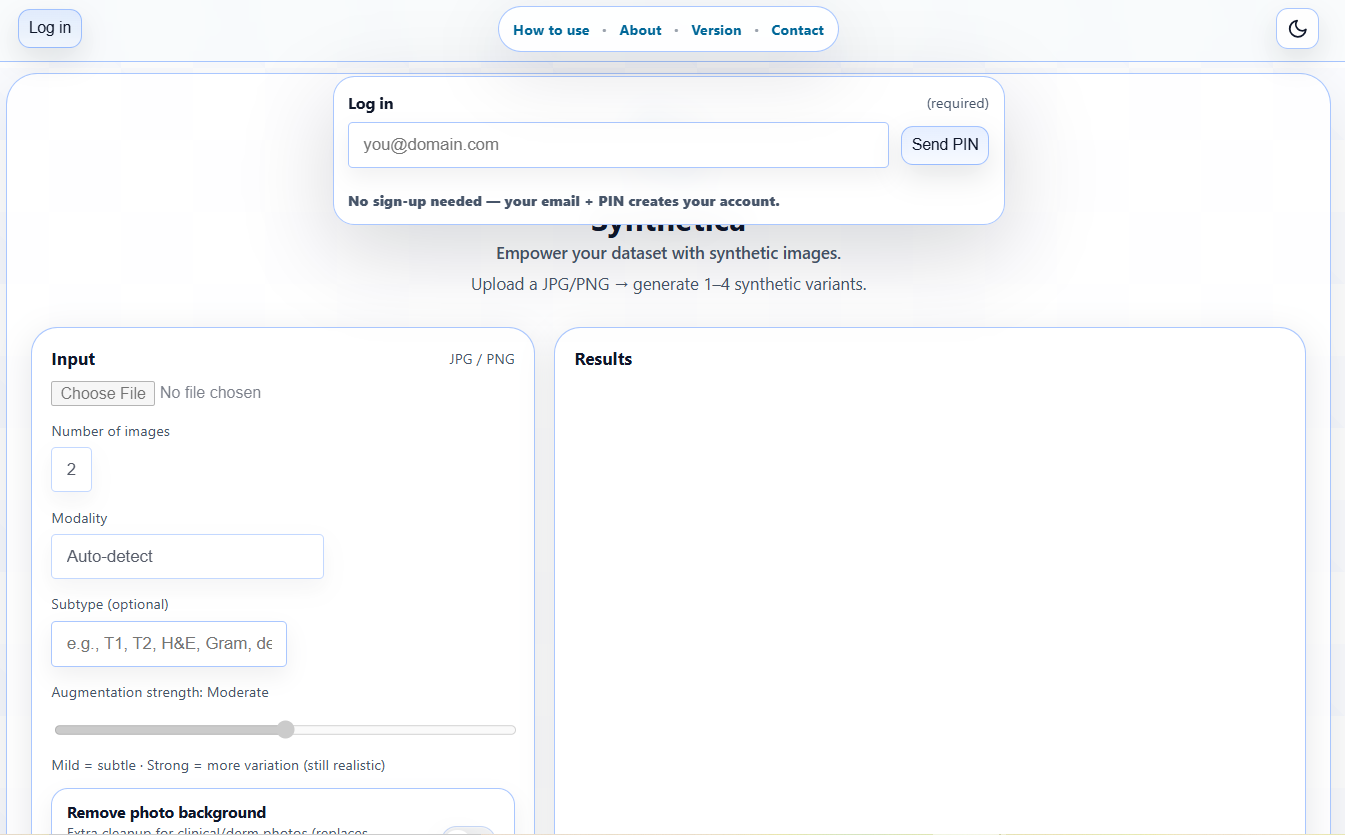
Log in.
No sign-up needed: your email creates your account automatically.
Enter your email → Send PIN → check your inbox → enter the 4-digit PIN → Verify.
Step 1 — Login
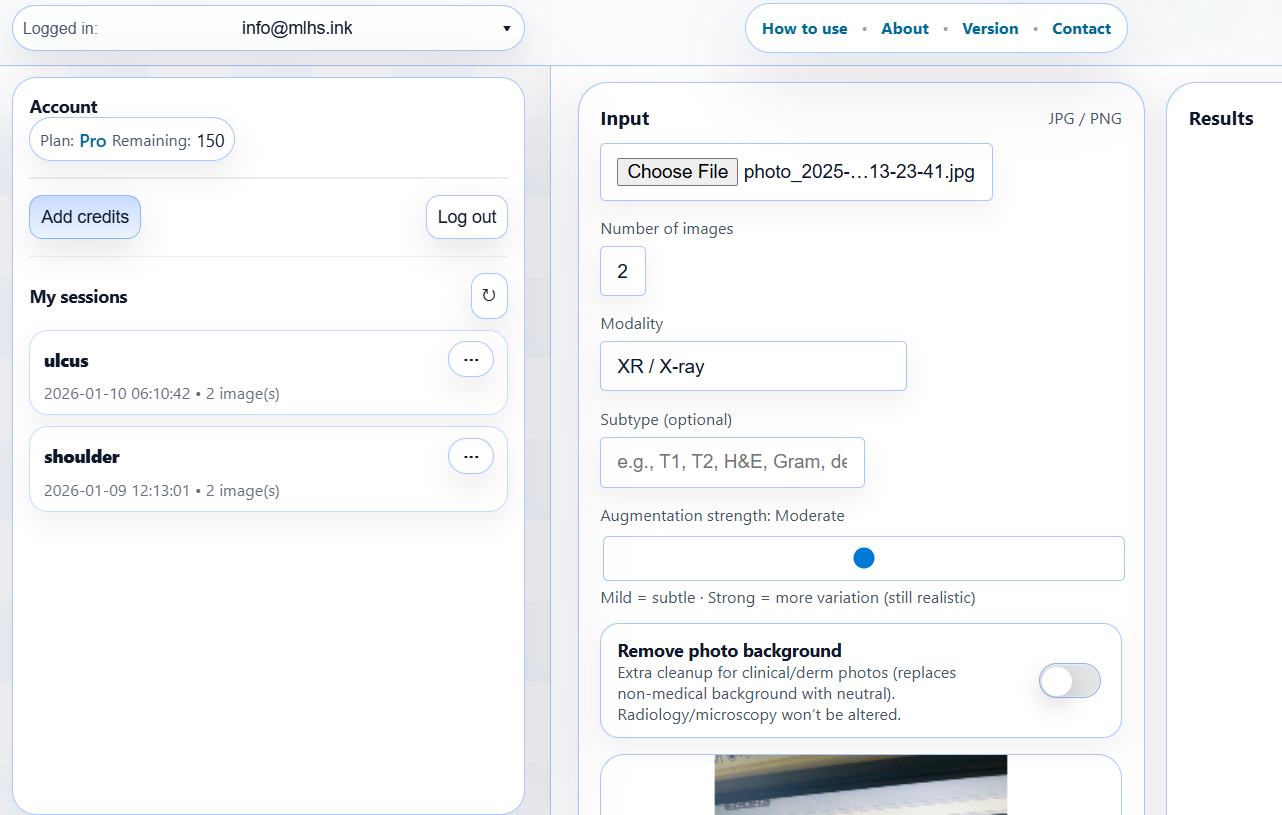
Upload + choose settings.
Upload a JPG/PNG (convert DICOM to PNG first), then set your generation options:
Number of images (1–4): 1 image = 1 credit = $0.50.
Modality: use Auto-detect if unsure.
Subtype (optional): T1/T2/FLAIR, H&E, Gram, dermoscopy, endoscopy, etc.
Remove background (toggle): for large clinical/macro images (extremities, body parts) to remove distracting context (bandages, drapes, surrounding covers).
Step 2 — Upload + options
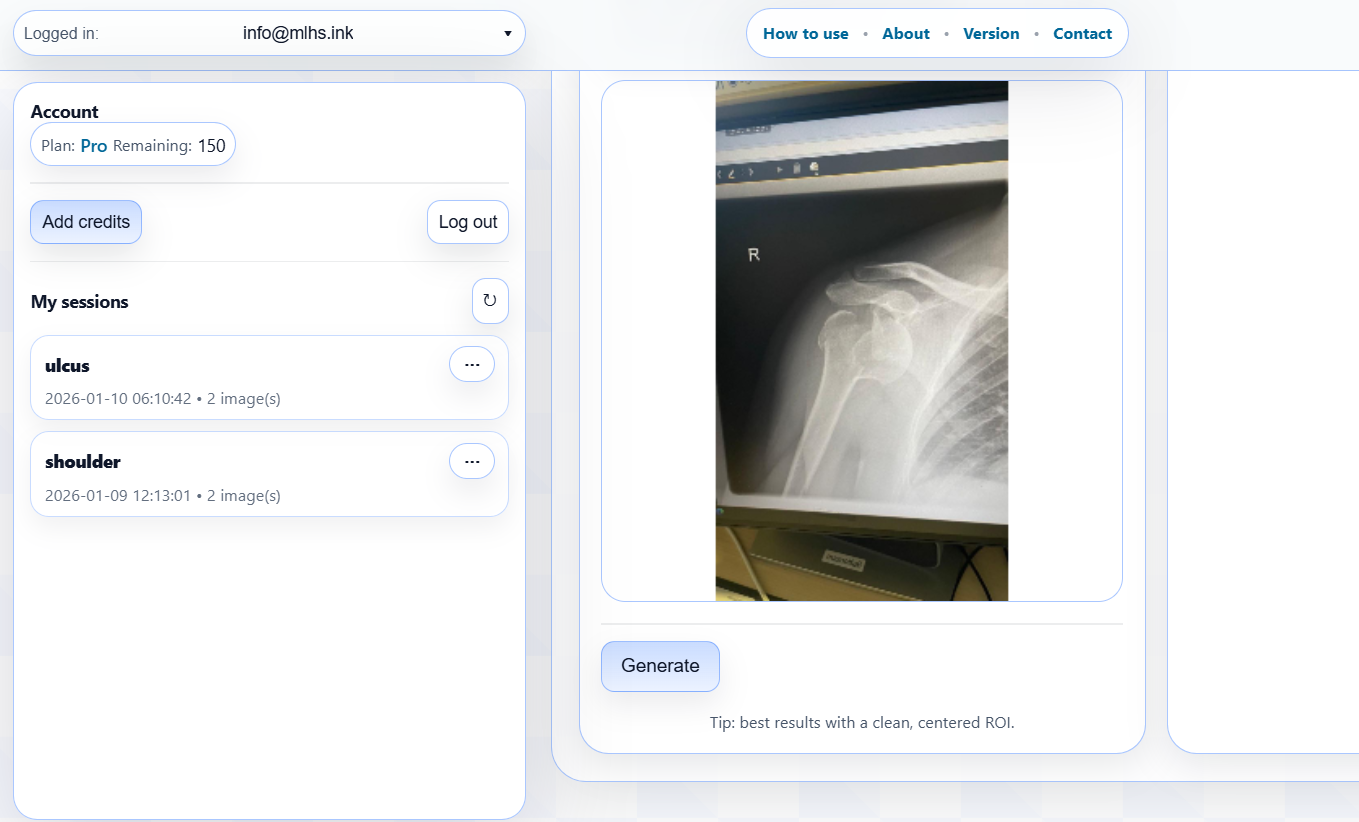
Generate.
Click Generate and wait up to ~1 minute (depends on server load and number of images).
Step 3 — Generate
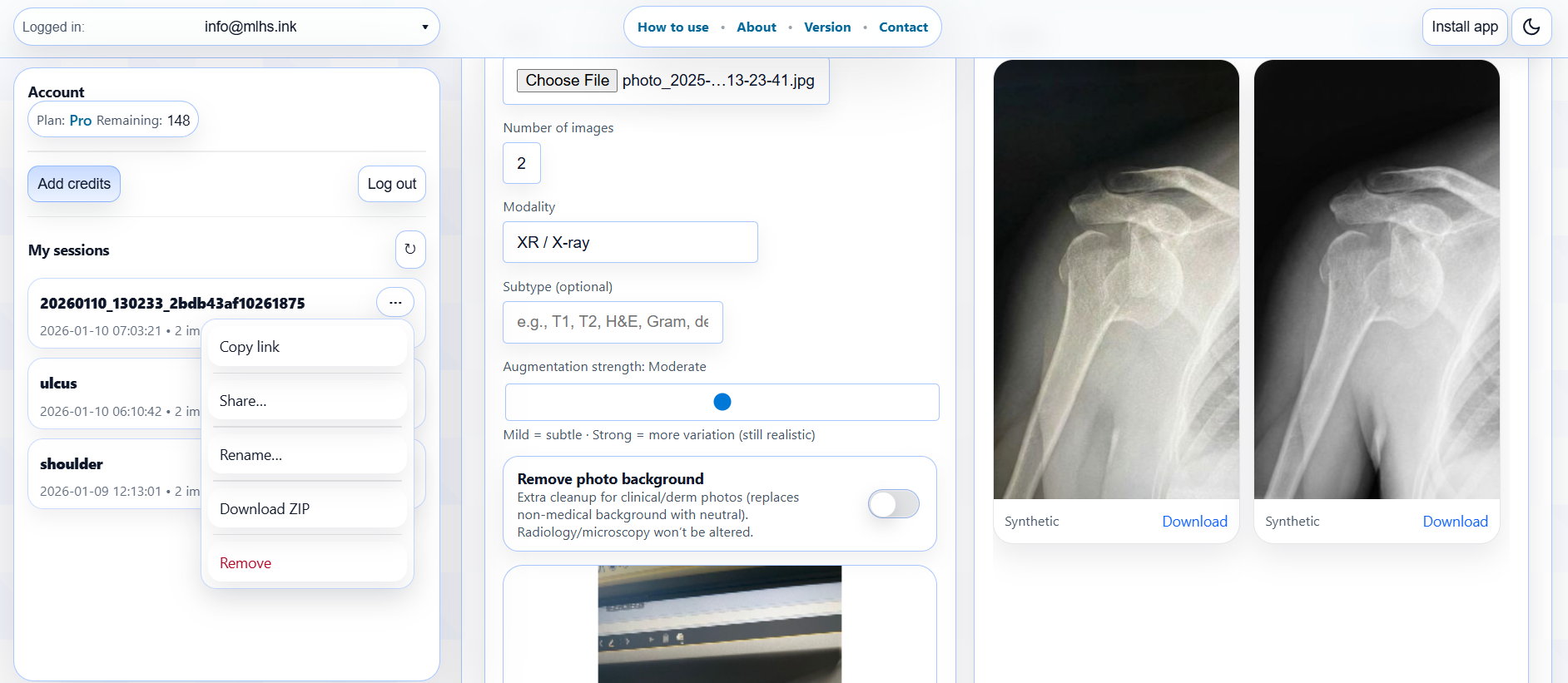
Download + manage your sessions.
Your synthetic variants appear under Results — download individual images (or ZIP if enabled).
Every run is saved as a session in your account: quick copy/share links, session page, and ZIP access.
Step 4 — Results + sessions
If you run out of quota, click Add credits in the toolbar. 1 credit = $0.50 = 1 image generated.
Tip: Synthetica removes text overlays, but you should still upload de-identified images.
About Synthetica
Synthetica turns a single medical image into dataset-ready outputs in one click:
cleanup → synthetic variants → shareable session.
Cleanup removes text/identifiers, annotations (arrows, measurements), and non-medical capture context
(monitor frames, borders, background). Then Synthetica generates 1–4 realistic variants with modality-aware safety rules
(e.g., conservative CT, no flips, no vignette).
Image generation is powered by an advanced generative AI model (currently Gemini-3-pro-image-preview)
to create 1–4 plausible variants while preserving the overall visual identity of the source.
1 credit = $0.50 = 1 image generated.
Every run is stored as a session: individual image links, optional ZIP, and a session page you can open/copy/share
from your account dashboard.
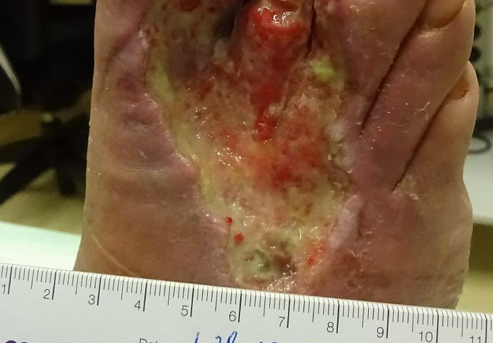
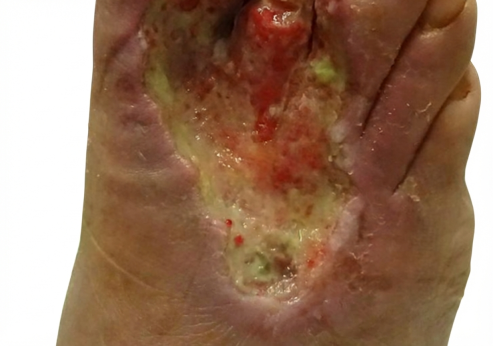
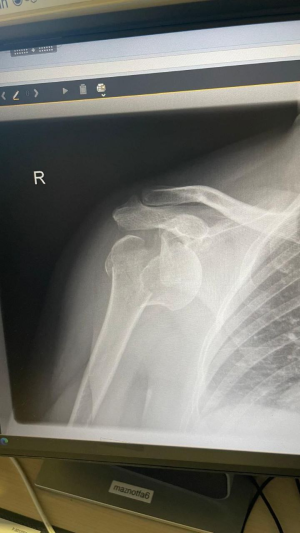
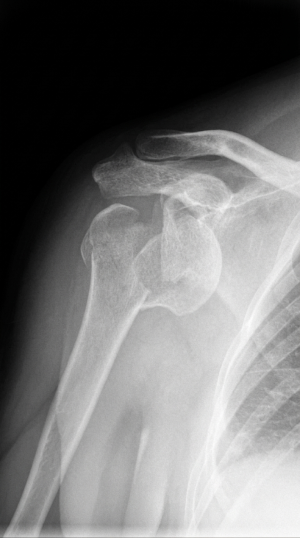
Examples (before → after cleanup)
Before — ruler + background
After — dataset-ready (context removed)
Before — UI/labels/overlays
After — clean frame, no text
Tip: use only de-identified images (no patient names/IDs).
2.0 (09.01.2026): Added Account dashboard — manage all your sessions and generated images, with rename/remove, quick copy/share links, and session ZIP access.
1.0 (27.12.2025): Initial public release.
If something looks off, please include a screenshot + browser/device details when you report it.
Contact
Send us a message (it will be delivered to info@mlhs.ink).