Log in.
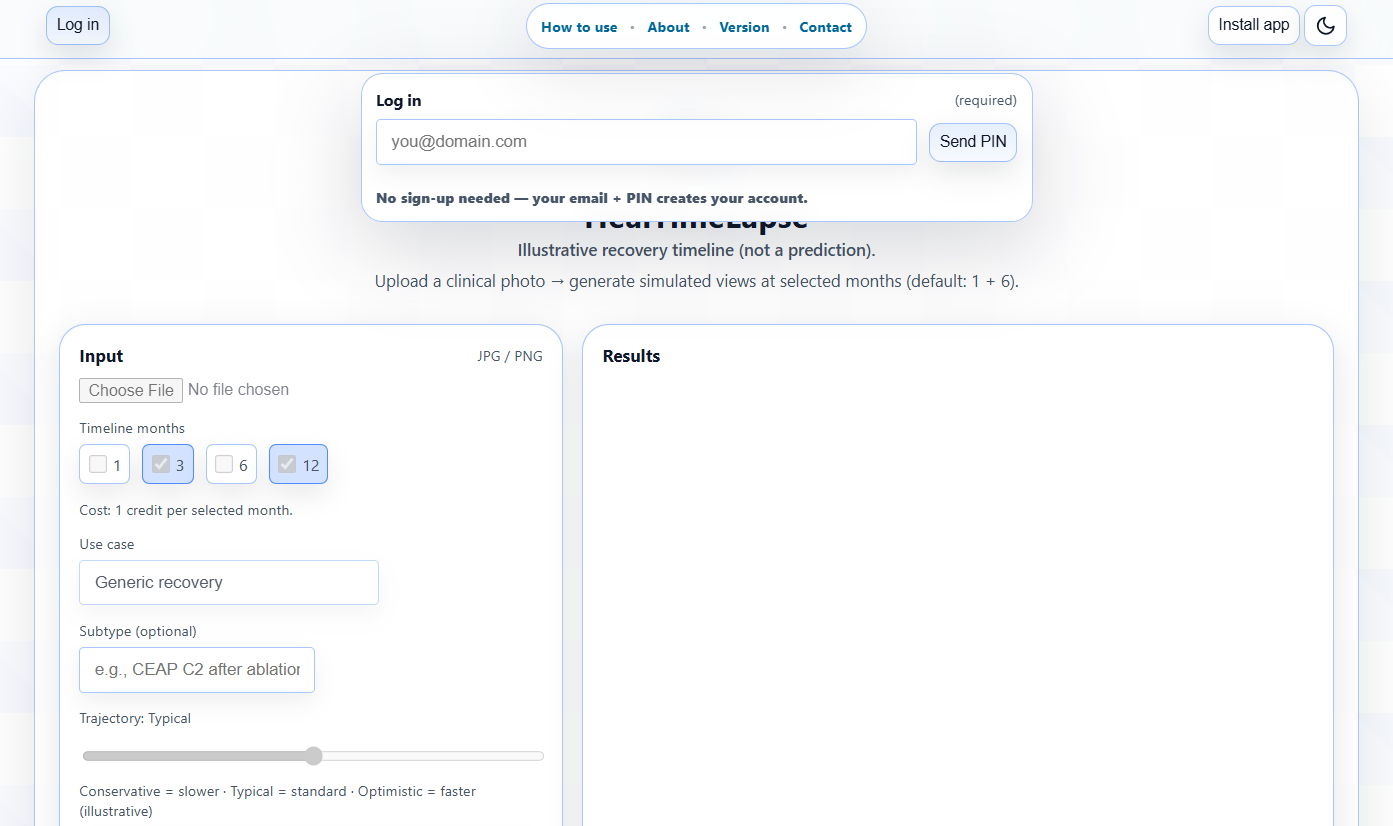
No sign-up needed: your email creates your account automatically.
Enter your email → Send PIN → check your inbox → enter the 4-digit PIN → Verify.
Step 1 — Login
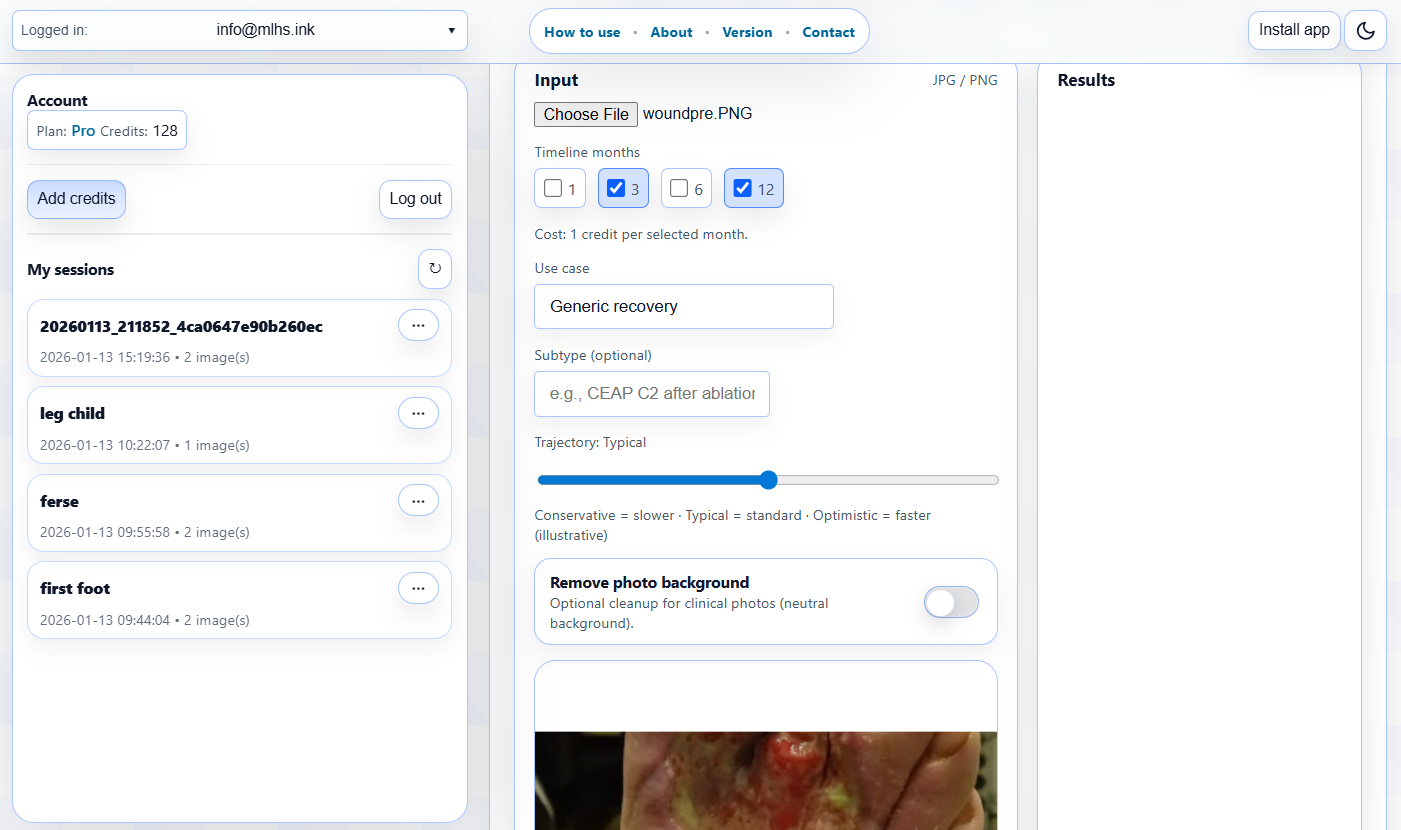
Upload + choose timeline settings.
Upload a clinical JPG/PNG, then set your timeline:
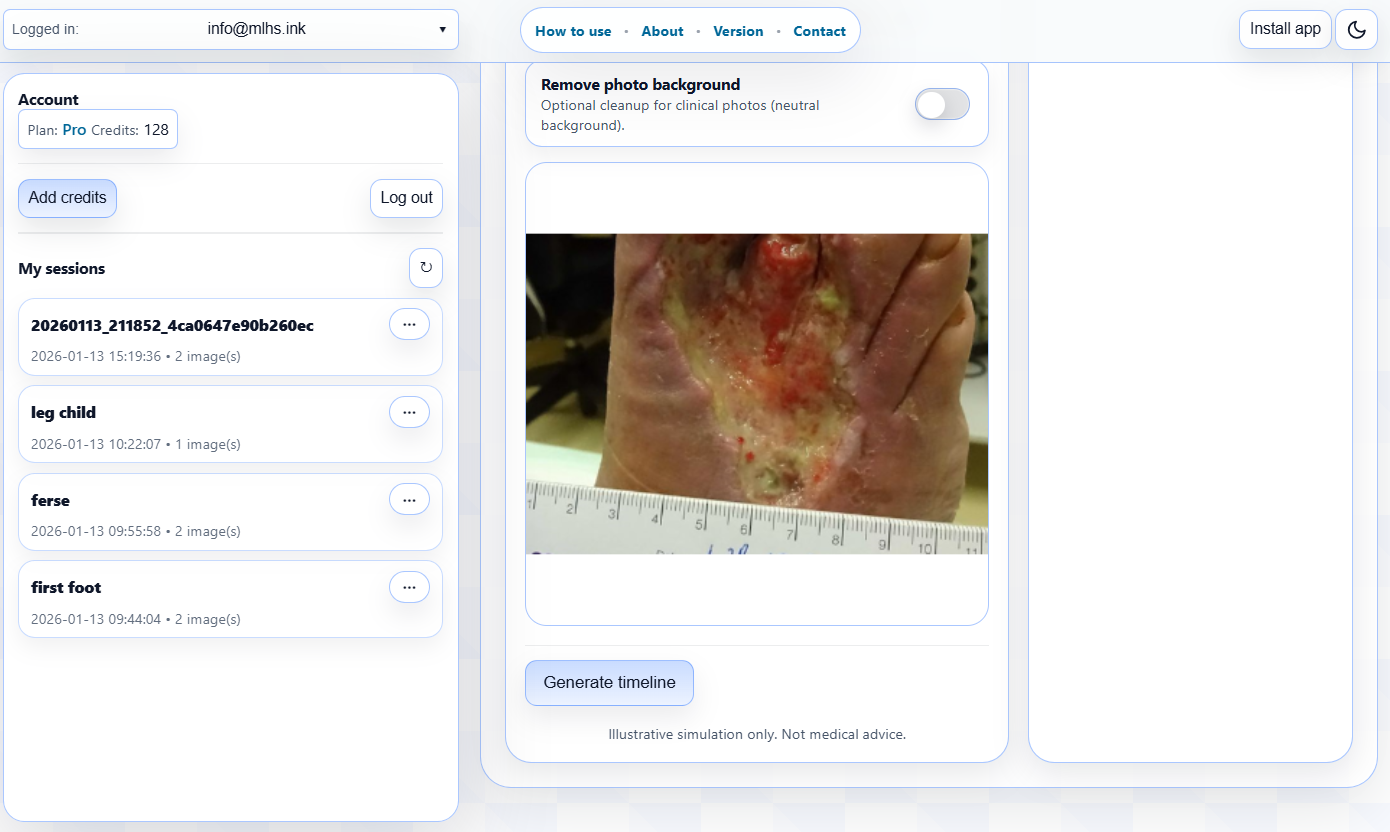
Generate timeline.
Click Generate timeline. Each selected month is generated as one illustrative follow-up image.
Step 3 — Generate
Download + manage your sessions.
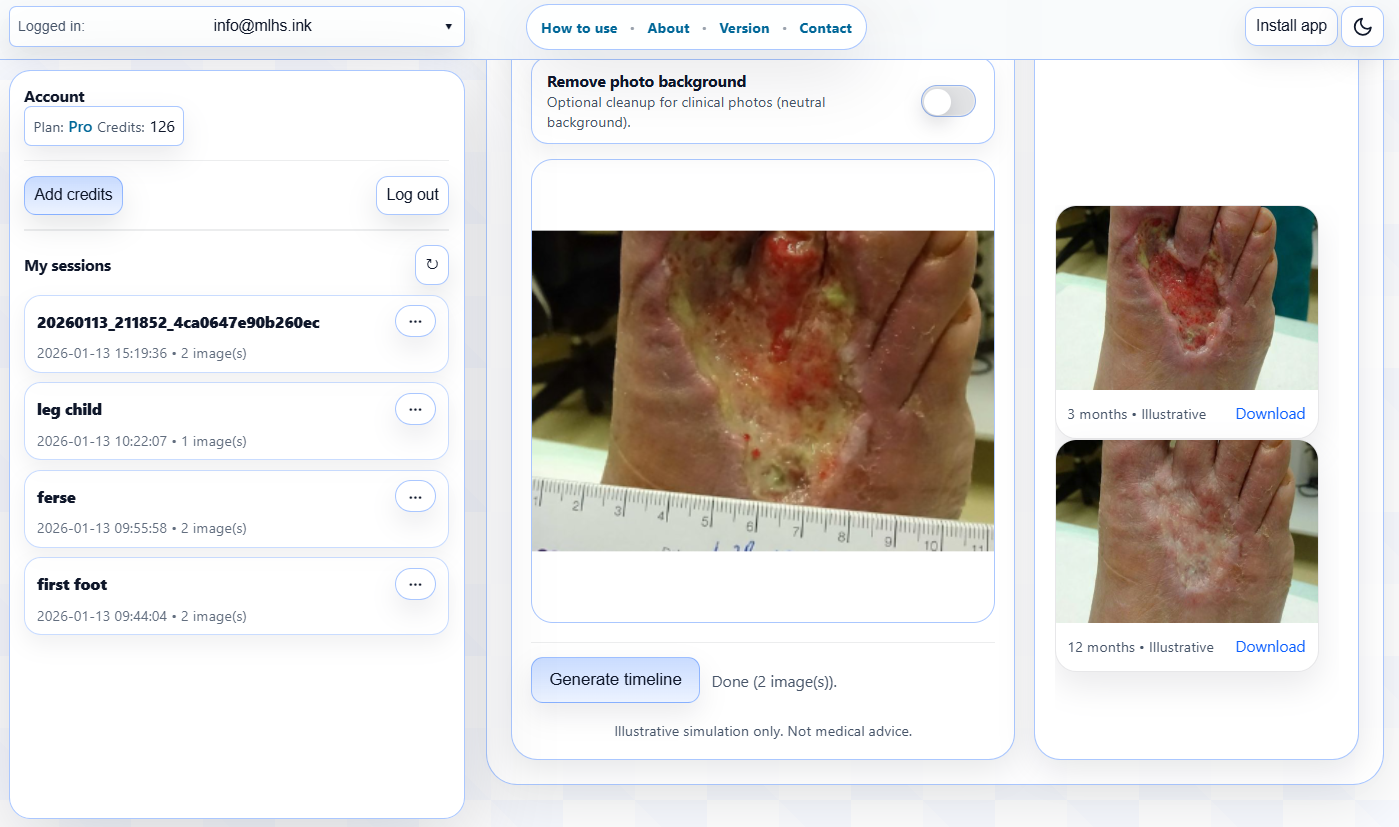
Your follow-up images appear under Results — download individual images (or ZIP if enabled).
Every run is saved as a session in your account: quick copy/share links, session page, and ZIP access.
Step 4 — Results + sessions
If you run out of quota, click Add credits in the toolbar. 1 credit = $0.50 = 1 image.
Note: generated images are illustrative only and not clinical advice. Upload de-identified images.
About HealTimeLapse
HealTimeLapse generates an illustrative healing timeline from a single baseline clinical photo:
optional cleanup → follow-up images at selected months → shareable session.
It is designed for macro clinical photos (wounds, post-op sites, dermatology) and keeps
the same viewpoint, framing, and body region while simulating plausible changes over time.
Image generation uses an advanced generative AI model to produce follow-up images at the selected months.
The output is not a prediction and must not be used for diagnosis or treatment decisions.
1 credit = $0.50 = 1 generated image (one month = one image).
Every run is stored as a session: individual image links, optional ZIP, and a session page you can open/copy/share
from your account dashboard.
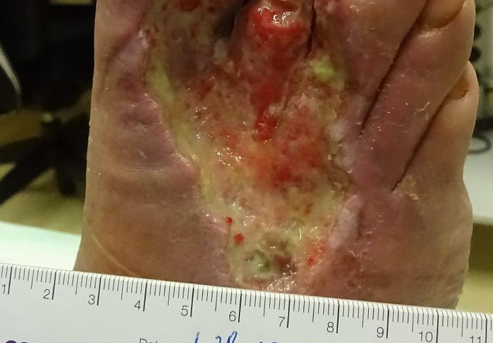
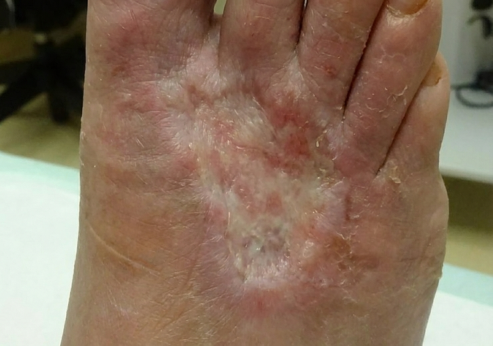
Examples (baseline → follow-up)
Baseline — uploaded photo
Follow-up — illustrative timelapse
Tip: use only de-identified images (no patient names/IDs).